

Companies invest in Zoom and Microsoft Teams licenses, purchase Logitech and Poly cameras, and configure advanced noise-cancellation technologies, yet call quality still falls short. In many cases, the issue is neither the platform nor the hardware. The real problem is the environment itself.
Glass conference rooms create flutter echo, open-plan offices introduce constant background noise, and poor office lighting can make participants appear either too dark or overexposed on camera. As a result, even expensive video conferencing systems fail to deliver a truly professional communication experience.
A successful video call depends on three key elements:
- reliable software;
- certified hardware;
- a controlled acoustic environment.
That is why WorkBooth pods are more than office furniture – they are an essential part of modern workplace IT infrastructure.
Zoom Rooms: Simplicity and Focus
Zoom remains one of the most user-friendly platforms for fast and efficient video meetings. Its minimalist interface, quick connection process, and intuitive controller make it accessible even to employees with limited technical experience.
Key benefits of Zoom Rooms:
- rapid meeting launch;
- stable and intuitive interface;
- convenient touch-controller management;
- occupancy sensor support;
- calendar integration.
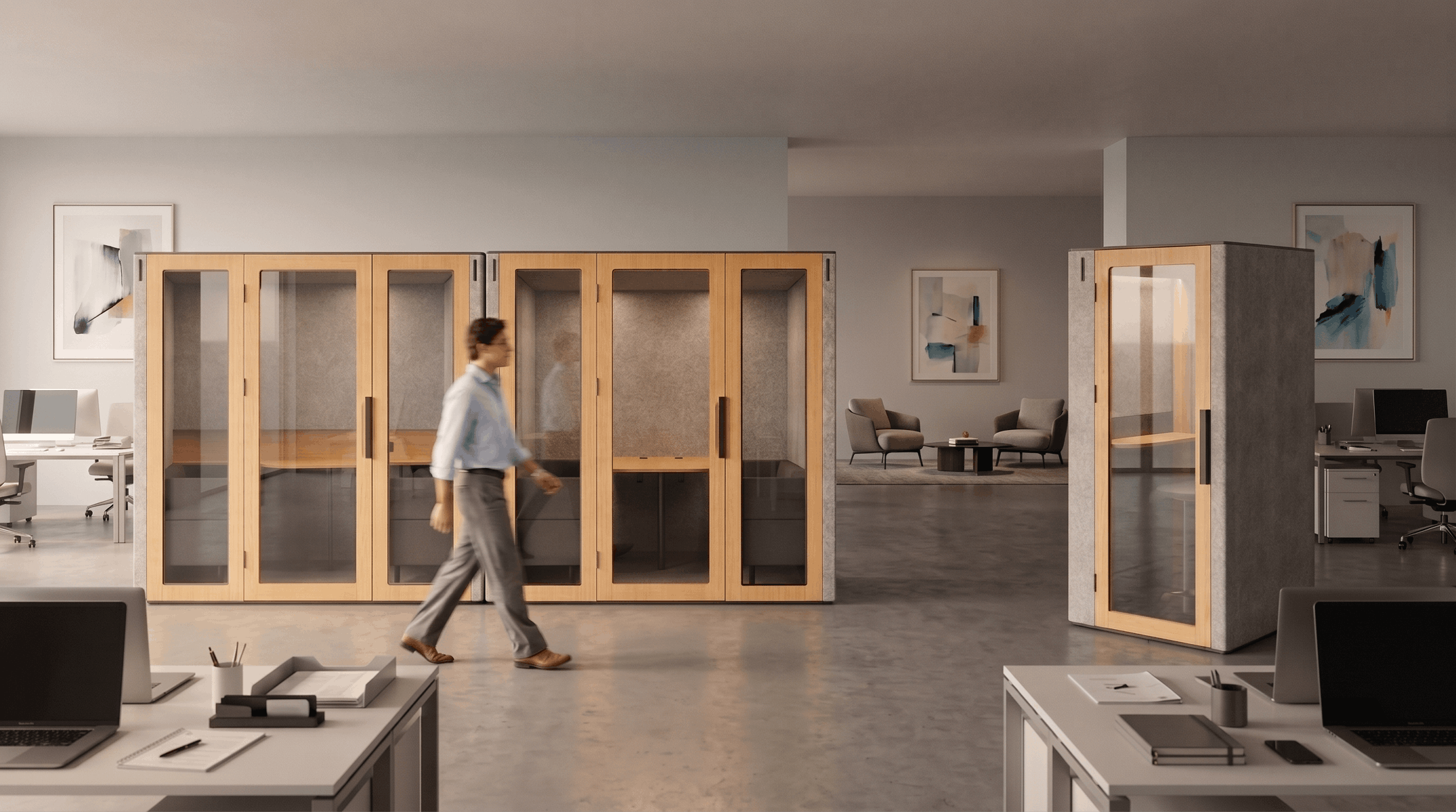
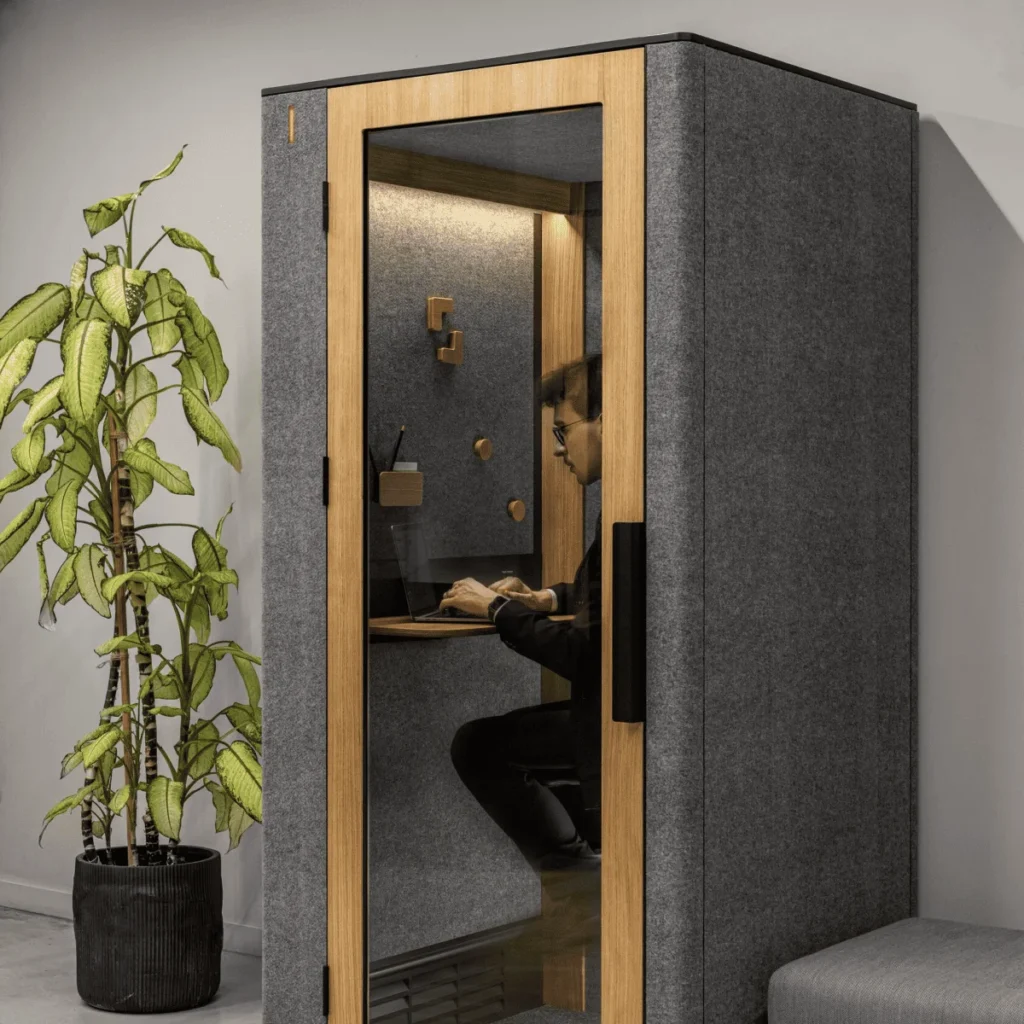
This setup is especially effective for small meeting rooms and individual office pods. An employee enters a WorkBooth One or WorkBooth Two pod, the space automatically activates, and the meeting can begin immediately without lengthy setup procedures.
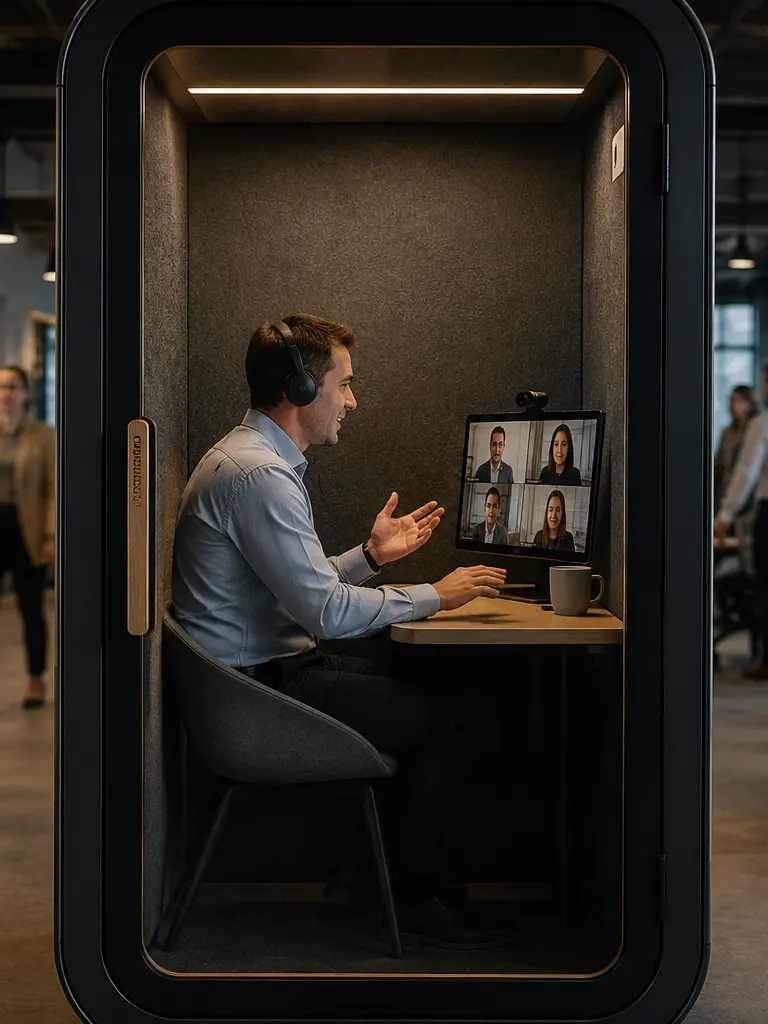
Inside the pod, open-office background noise is significantly reduced, allowing Zoom’s noise-suppression algorithms to perform more accurately without cutting off portions of the speaker’s voice.
Microsoft Teams Rooms: Collaboration and Ecosystem Integration

Microsoft focuses on more than video conferencing. Teams Rooms are designed to serve as part of a comprehensive workplace ecosystem. This solution is particularly valuable for organizations already using Outlook, SharePoint, and Microsoft 365.
Key advantages of Microsoft Teams Rooms:
- Outlook calendar synchronization;
- quick access to corporate documents;
- real-time collaboration;
- unified authentication and sign-in;
- centralized meeting room management.
Combined with a WorkBooth pod, Teams Rooms become a complete workstation for focused work. Employees can participate in meetings, edit documents, and collaborate on projects without the distractions of a noisy office environment.
This is particularly beneficial for HR teams, IT departments, and executives who require privacy during calls and meetings.
Zoom Rooms vs Microsoft Teams Rooms: Office Comparison
| Feature | Zoom Rooms | Microsoft Teams Rooms |
|---|---|---|
| Ease of Setup | Extremely fast deployment | Requires deeper integration |
| Controller Interface | Minimalist | More feature-rich |
| Microsoft 365 Integration | Limited | Full integration |
| Suitable for Small Pods | Excellent | Excellent |
| Document Collaboration | Basic | Advanced |
| Primary Use Case | Focus on usability and video meetings | Deep integration with Microsoft 365 ecosystem |
| Calendar Synchronization | Yes | Yes |
| Acoustic Requirements | High | High |
Despite their differences, both platforms are equally dependent on the quality of the environment surrounding the user.
Technical Checklist: What Makes a Video Call Truly Professional
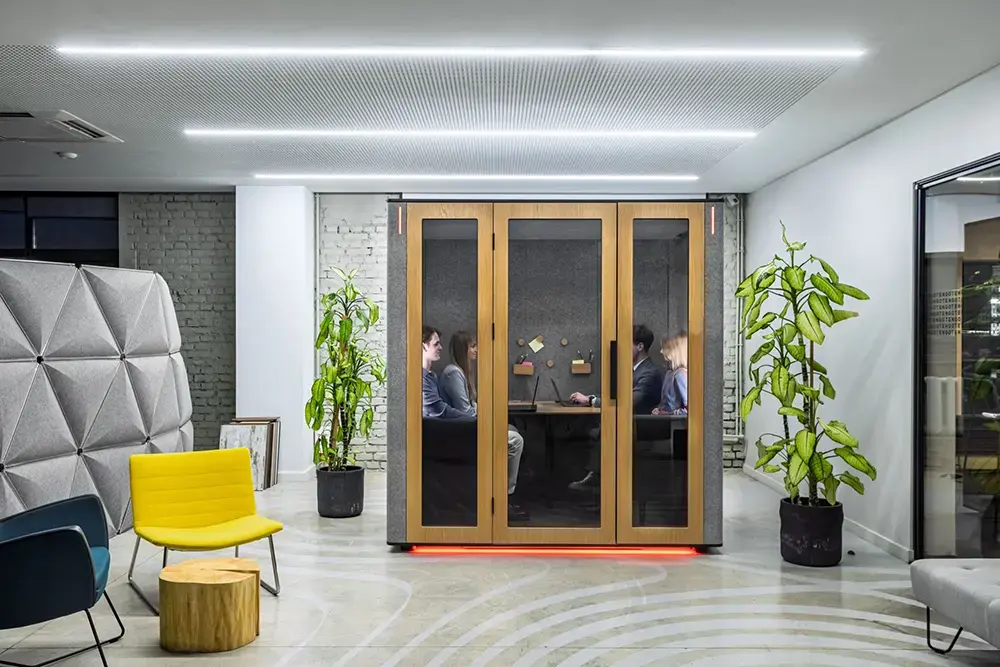
High-quality video conferencing requires much more than a good camera or an expensive microphone. Room acoustics, lighting conditions, network stability, and even ventilation noise all affect the final communication experience.
That is why modern meeting rooms and office pods should be viewed as an integral part of the video conferencing ecosystem.
Echo-Free Acoustics
One of the biggest challenges in most offices is sound reflection.
Glass surfaces, concrete walls, and open spaces create long voice reverberation tails. Even modern noise-cancellation technologies cannot completely eliminate echo during office video calls.
WorkBooth pods incorporate sound-absorbing acoustic panels that make speech clearer, cleaner, and easier to understand. The result is audio quality that feels closer to a professional studio or broadcast environment.
Benefits of controlled acoustics include:
- elimination of resonance;
- improved microphone speech clarity;
- reduced reliance on AI noise suppression;
- enhanced call privacy.
That is why an acoustic pod for Zoom meetings delivers noticeably better results even when using the same hardware.
Proper Lighting for Video Calls
Most office lighting systems were never designed for video conferencing. They often create harsh shadows, uneven illumination, and overexposed facial highlights.
Office pods in Canada feature integrated high-CRI lighting systems that provide natural color reproduction and balanced facial illumination.
Benefits include:
- reduced harsh shadows;
- more professional on-camera appearance;
- improved camera auto-exposure performance;
- lower visual fatigue.
For both Zoom Rooms and Teams Rooms, image quality directly influences how participants are perceived during meetings.
Reliable Connectivity Without Interruptions
Wi-Fi in open-plan offices does not always provide a stable connection. Network congestion can result in latency, video artifacts, and degraded audio quality.
For this reason, integrating a dedicated LAN connection into office pods is highly recommended.
A wired connection provides:
- minimal latency;
- stable bitrate performance;
- reliable support for 4K cameras;
- protection from unexpected connection drops.
For IT departments scaling multiple meeting spaces, this level of reliability is essential.
Quiet Ventilation
Traditional ventilation systems often generate continuous background noise that sensitive Logitech and Poly microphones can easily capture.
WorkBooth pods are engineered to provide consistent airflow while minimizing acoustic disturbance.
As a result, users benefit from:
- superior acoustic comfort;
- fresh air during long meetings;
- elimination of low-frequency humming noise;
- more effective noise-cancellation performance.
Logitech Integration: A Complete Meeting Room Solution
Logitech remains one of the most trusted brands in video conferencing hardware.
Solutions such as Logitech Rally and Logitech MeetUp integrate seamlessly into office pods thanks to their compact design and certification for both Zoom Rooms and Microsoft Teams Rooms.
Benefits of using certified equipment within WorkBooth pods include:
- reliable camera and microphone performance;
- predictable compatibility with Zoom and Teams;
- faster deployment;
- simplified connectivity through integration modules;
- reduced workload for IT teams.
Integrating Logitech equipment into office pods creates a fully functional video conferencing environment without the need for complex custom configuration.
Conclusion
Zoom Rooms and Microsoft Teams Rooms serve different organizational needs, but both platforms rely on a high-quality environment to perform at their best.
Software is the brain of the communication system. The pod is its physical infrastructure.
When acoustics, lighting, ventilation, and hardware work together as a unified solution, video conferencing stops being a compromise and becomes a truly effective business tool.
Get a quoteDownload WorkBooth technical specifications to integrate your existing IT equipment.
Or schedule a live demonstration to experience the difference a purpose-built video conferencing environment can make in a real office setting.